How to Buy a Residential RDP Server in the USA (Pricing & Best Providers, 2026)

You’ve probably run into this problem: a regular data centre RDP works fine until it doesn’t. Certain websites flag it, ad platforms block it, or a service you rely on just won’t let you log in. That’s usually because the IP address looks like it came from a server farm. After all, it did.


This is where a residential RDP comes in. Instead of an IP tied to a data center, you get a remote desktop running on an IP that looks like it belongs to a home internet connection. For anyone who needs to buy rdp residential setups — whether for ad verification, account management, or general privacy — this distinction matters a lot more than it sounds.


The guide outlines what exactly the residential RDP is, how much it costs, what factors should be considered when choosing an RDP provider, and common errors people make purchasing their first RDPs

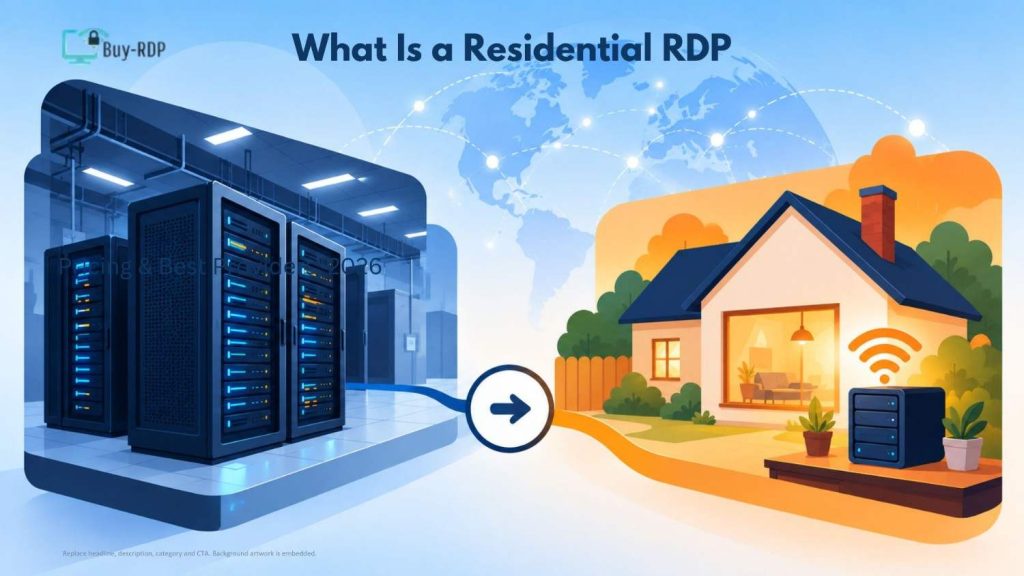
What Is a Residential RDP, Exactly?

What Is a Residential RDP, Exactly?​

An RDP server is a tool that enables you to have complete control over your computer through the Internet just as if you were sitting right in front of the computer yourself. Residential RDP is the same, except the IP address used by the remote machine has been obtained from an ISP such as Comcast, AT&T, and Spectrum.

Websites and platforms can tell the difference. Data center IPs are published in ranges that anyone can look up. Residential IPs aren’t, which is why they blend in so much better for tasks where being flagged as “non-human traffic” causes problems

Why People Search for Residential RDP USA Options Specifically

Location matters for two reasons:


  • Latency — if you’re based in the US or serving a US audience, a US-based residential IP keeps things fast.
  • Geo-restrictions — a lot of services (banking portals, streaming platforms, certain e-commerce tools) only work properly, or work best, with a US IP.


That’s why “residential rdp usa” comes up so often as a search — people aren’t just looking for any residential IP, they want one that geographically matches where they operate.

Who Actually Needs This?

Not everyone needs a residential RDP, and it’s worth being honest about that before you spend money on one. People typically reach for one when:


  • They manage multiple social media or ad accounts and want each session to look like it’s coming from a distinct, real household.
  • They do market research or price scraping and keep getting blocked by data-center IP detection.
  • They need to test how a website or app behaves for a “normal” US-based user.
  • They handle sensitive browsing tasks where they don’t want their activity tied to a hosting provider’s IP block.


Consider the case of an advertising agency that runs advertising campaigns on 15 client accounts. In such a case, the chances of these accounts being connected by Meta or Google Ads increase exponentially if all 15 sessions come from the same IP address range. Spreading those sessions across separate residential IPs reduces that risk considerably.

How Much Does a Residential RDP Cost in 2026?

Pricing is more variable than one might think, largely because there isn’t one universal “residential RDP.” This is how things typically break down:

Plan Type

Typical Monthly Price (USD)

Best For

Basic (1 residential IP, shared bandwidth)

$25 – $50

Individuals, light browsing/testing

Mid-tier (dedicated IP, higher bandwidth)

$60 – $120

Freelancers, small agencies

Multi-IP / rotating residential

$150 – $400+

Agencies managing many accounts

Enterprise (dedicated pool, SLA support)

$500+

Businesses with compliance or scale needs

If you see a plan advertised as “cheap residential rdp” at $5–10/month, treat it with caution. At that price, the provider is usually reselling shared or lower-quality IPs, and you’ll likely run into speed issues or IPs that get flagged fast anyway.

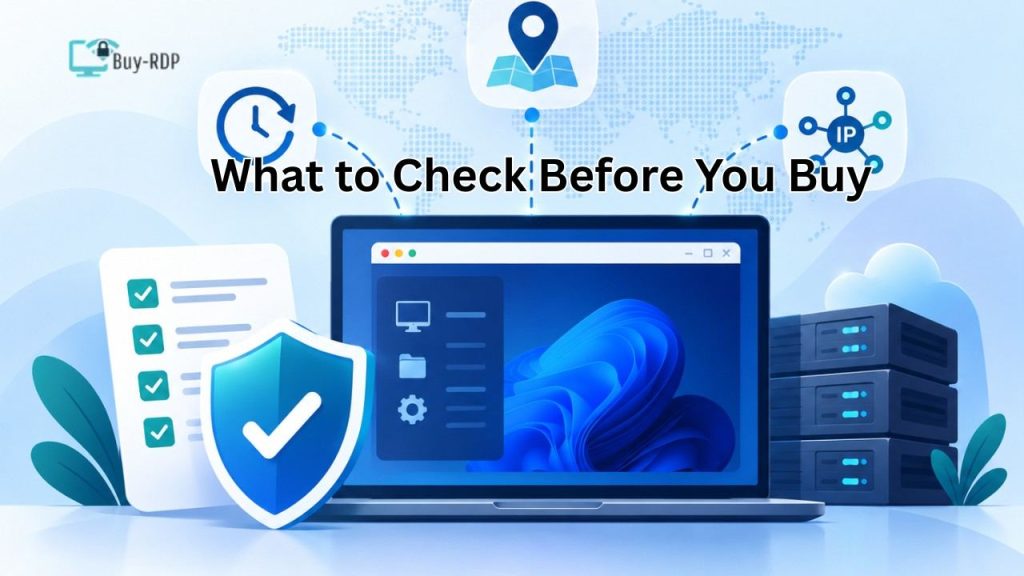
What to Check Before You Buy

What to Check Before You Buy​
  1. IP Source and Transparency


Ask the provider directly: are these IPs sourced from real residential ISPs with user consent, or are they scraped from devices without proper authorization? This isn’t just an ethical question — poorly sourced IP pools get blacklisted faster, which wastes your money.


  1. Uptime and Speed Guarantees

The residential IP can only be effective when the link that supports it is dependable. It is recommended that you seek ISPs who give actual figures regarding their uptime (above 99% is good).


  1. IP Rotation Options


Some tasks need a fixed IP for weeks at a time (account management). Others need frequent rotation (scraping, testing). Confirm the provider supports whichever pattern fits your use case.


  1. Geographic Targeting


If you specifically need a US IP, confirm the provider lets you pick a state or city — not just “USA” as a broad label, since some providers are looser with this than they advertise.


  1. Customer Support Response Time


This seems small when you experience a drop during your work on your RDP session. Services that have 24/7 support (as opposed to just help desk tickets) save time in case of any problem.

Best Residential RDP Provider: What "Best" Actually Means

There’s no single best residential rdp provider for everyone — it depends on your priority. A rough way to think about it:


  • If price matters most: look for mid-tier plans with dedicated (not shared) IPs — the $60–120 range tends to be the sweet spot between cost and reliability.
  • If scale matters most: prioritize providers offering rotating IP pools with clear documentation on pool size and refresh rate.
  • If compliance matters most: ask for written confirmation of how IPs are sourced, and check if the provider offers an SLA.

Common Mistakes When Buying a Residential RDP

  • Choosing based on price alone. The cheapest solution will usually be the one that ends up getting caught or slowed down.
  • Not testing before committing to a long plan. Most reputable providers offer at least a short trial or a monthly (not annual-only) option — use it.
  • Ignoring the provider’s IP sourcing policy. This affects both reliability and, in some cases, legal exposure depending on your use case and jurisdiction.
  • Overbuying bandwidth or IP count. You should always place needs must be above wants always.

Key Takeaways

  • In case of a residential RDP, the proxy makes use of an IP that is allocated by the ISP and not from a data center.
  • People buy rdp residential setups mainly for ad account management, market research, geo-testing, and privacy-sensitive browsing.
  • Basic plans are priced at $25-$50 per month, while advanced plans with multiple IPs can cost $150-$400+ per month. You should always make sure of the following when purchasing proxies.
  • The cheapest option is rarely the best long-term choice — flagged or unstable IPs cost more in wasted time.

FAQs

What is a residential RDP used for?


 A residential RDP is mainly used for tasks where a “normal” home IP address matters — managing multiple online accounts, market research, ad verification, and testing how websites behave for regular users in a specific location.


Is residential RDP legal in the USA?


 Yes, using a residential RDP is legal in the USA. What matters is how it’s used — activities that would be illegal on a home IP (fraud, unauthorized access) remain illegal on a residential RDP too.


How much does a US residential RDP cost per month?


 Basic residential RDP plans typically start around $25–50 per month. Multi-IP or rotating setups aimed at agencies or heavier use usually run $150–400+ per month, depending on bandwidth and IP pool size.


What’s the difference between residential and data center RDP?


 A data center RDP uses an IP registered to a hosting provider, which many platforms can detect and flag. A residential RDP uses an ISP IP address that seems like typical home internet traffic and thus is much harder to block.

Can I choose a specific US state for my residential IP?


 Most companies allow you to select particular states or cities, though this is not always accurate. You should always make sure that your geographic targeting is working properly through the company before purchasing anything.


Why do residential RDPs cost more than regular RDPs?


 Residential IPs are harder to source — they come from real ISP connections, often through partnerships or opt-in programs, rather than bulk server hosting. That sourcing cost, plus lower supply, pushes prices higher than standard data-center RDPs.


Do residential RDPs get blocked too?


 Yes, although less frequently than IPs used by data centers. Using one IP too much for spamming, fast account creation, etc., can trigger a ban; that’s why there are alternative IP solutions available.


Is a free residential RDP trial available?


 Some providers offer short trials or money-back guarantees, though free residential RDP access is rare since the IPs themselves cost providers money to maintain. A short paid trial is more common than a truly free one.

Buying a residential RDP server in the USA comes down to matching the right plan to your actual use case — not just picking the cheapest listing you find. Whether you’re managing ad accounts, doing research, or need a stable US-based IP for a specific task, the providers worth paying for are transparent about IP sourcing, offer real uptime numbers, and let you test before committing long-term. Take the time to compare two or three options against the checklist above before you buy rdp residential — it saves both money and headaches down the line.


Ready to get started? Buy RDP plans built around real residential IPs, transparent sourcing, and US-based targeting — browse current options and pick the plan that matches your workload.

Written by

Leave a comment