Best RDP Provider in India: Plans, Pricing & Setup Guide

You are using your laptop when it crashes on you, your work computer is 500 km away from where you are working, and yet you want to execute that trading bot or work on that client’s file design? Well, that is precisely the reason why a lot of freelancers, traders, and small IT groups in India are adopting remote desktops over a single desktop computer.

An Indian RDP (Remote Desktop Protocol) server provides you with a whole Windows system that is accessible over the internet, whether you have a laptop, tablet, or even your smartphone when really desperate. Your local device will be used as a portal to this system on the server.

The following will explain in depth what an effective Indian RDP system looks like, what you can pay for one, and how you can build one without being lost in technicalities.

What Is an RDP and Why Do People in India Use It?

RDP stands for Remote Desktop Protocol — a technology built into Windows that lets one computer control another over a network. Instead of installing software on your own laptop, you rent a virtual machine and log into it remotely.

In India, the demand has grown for a few practical reasons:

Trading and automation — Most retail traders operate algo-trading stations or EAs that have to be up all the time. A computer at home without constant electricity or WiFi won’t do this job.

Freelance and agency work — For graphic designers, video creators, and marketing professionals looking for Photoshop efficiency but without spending ₹1.5 lakhs on computer equipment.

Software testing and dev work —Windows versions under test or intensive builds being run by developers.

Data scraping and automation scripts — Tasks that need to run for hours without interruption.

When your business cannot afford any downtime, renting a server is likely to be better than using a PC due to the higher availability of the former. Most enterprise-grade Indian RDP services have power backup solutions and redundant internet connections; a home solution in a tier-2 city, especially during the monsoon, would probably not be able to compete.

Why "Indian" RDP Specifically Matters

You could, theoretically, purchase a server located in the USA, Germany, or Singapore. Then why would one be interested in purchasing an India RDP or Indian RDP server?

  1. Lower latency for Indian users — A server that is physically nearer to Mumbai, Delhi, or Bengaluru will have a more responsive feel than a server in Frankfurt. For trade terminals, this is no minor issue.
  2. Local payment options — Generally, Indian sellers accept payment by means of UPI, Paytm, or Net Banking, and foreign credit card payments along with currency conversion do not take place.
  3. Compliance and data residency — Some businesses prefer keeping data within Indian borders for internal policy reasons.
  4. Rupee-based pricing —No surprises from fluctuations in exchange rates because you know that while the invoice is in dollars, your income is in rupees.

Nonetheless, being “Indian” does not always imply being “superior.” The poor maintenance of the Indian server might cause it to function more slowly compared to an optimally working server in another country.

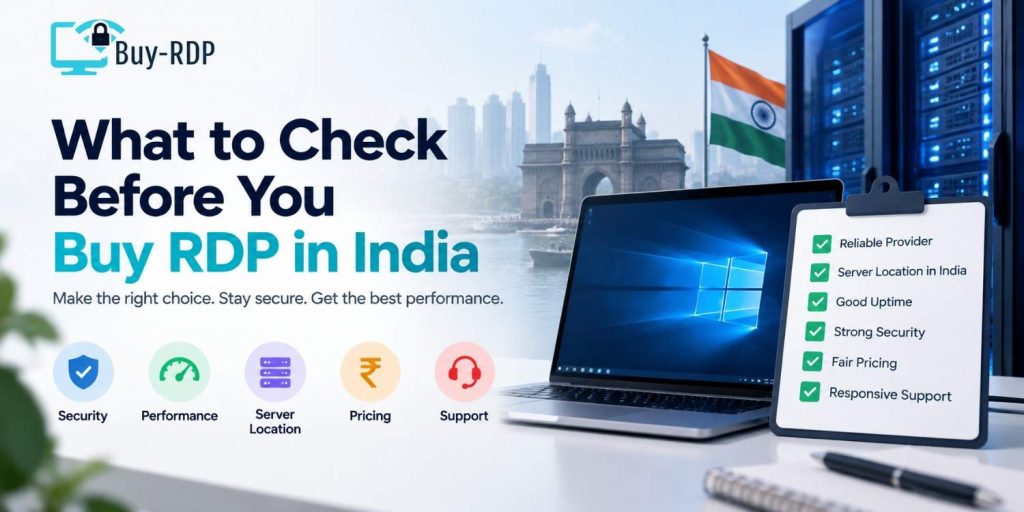
What to Check Before You Buy RDP in India

What to Check Before You Buy RDP in India

Before purchasing any of the RDP India packages, take into consideration the following checklist, which is the very one I would consider if my friend were asking for help.

  1. Server Location and Network Quality

Make sure to clarify what city the data center is located in, as some common centers are Mumbai and Noida. Next, clarify the network uptime guarantees. While 99.9% seems like the Standard, make sure to clarify your compensation in case this SLA is not met.

  1. Hardware Specs, Not “Unlimited” BS.

But beware vague lists – what we require is exact figures:

  • Dedicated and shared CPU cores
  • RAM (4GB is okay for very light use, but you’ll want to have 8-16GB to do work for trading or design software.)
  • SSD vs. HDD storage (SSD is non-negotiable in 2026 — HDD-based RDPs feel noticeably sluggish)
  • Bandwidth caps, if any
  1. Admin Access

Administrator rights become important if you are thinking of installing trading platforms, automated systems, or any other software. Not all plans allow that.

  1. Support Response Time

This is where most budget companies fall short. The fact that your server is down at 2 in the morning while trading is occurring is certainly an issue if it takes 12 hours for them to respond. You need companies who provide 24-hour live chat or answer tickets within the hour; this is a true EEAT indicator of a legitimate host.

  1. Renewal Pricing

Still others use the strategy of selling you on one cheap month at the beginning of your membership and then hit you with triple the price when it renews. Find out what the second month will cost you before you even sign!

RDP Price in India: What Should You Actually Pay?

There are wide variations in RDP prices in India, but below is a reasonable estimate of the cost of RDP depending on the specifications, as per the listings in the market up to 2026 (consider this a rough guide).

Plan Tier

RAM 

CPU Cores 

Storage 

Typical Monthly Price (INR) 

Best For 

Basic 

2–4 GB 

1–2 Cores

60 GB SSD 

₹500 – ₹900 

Browsing, light office work & basic automation 

Standard 

8 GB 

2–4 Cores

120 GB SSD 

₹1,200 – ₹2,000 

Trading terminals, multitasking& small design jobs 

Performance 

16 GB 

4–6 Cores

250 GB SSD 

₹2,500 – ₹4,500 

Video editing, multiple trading bots & heavier software 

Enterprise 

32 GB+ 

8+ Cores

500 GB+ SSD 

₹5,000 and up

Agencies, dev teams & high load automation 

A rough thumb rule: if the monthly charges for your plan are more or less the cost of a normal meal delivery, then wonder where it is getting cut, which usually ends up with using a common (shared) CPU that the vendor sells simultaneously to hundreds of people.

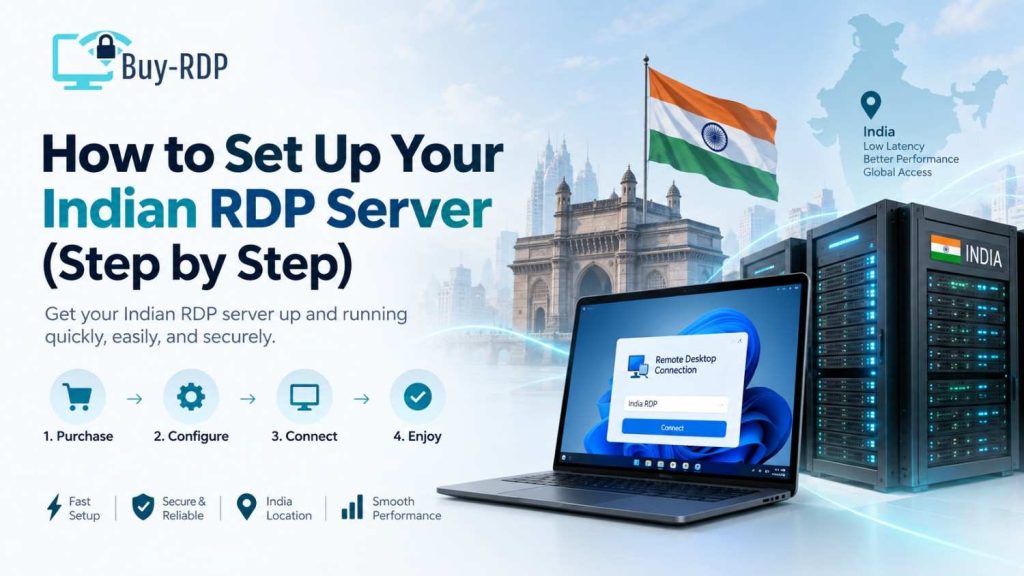
How to Set Up Your Indian RDP Server (Step by Step)

It is much easier to do than one might think at first. This is the basic idea:

Step 1: Pick Your Plan Based on Actual Workload

Avoid overbuying. If you are operating only one trading platform, Standard should do. Use Performance in case of using several resource-consuming software at once.

Step 2: Complete Payment and Verification

Generally, most service providers in India take anywhere from 15 to 60 minutes to get activated after confirmation of payment. The fastest mode is through UPI or cards.

Step 3: Get your login details

An IP address will be given to you, username, and password. Normally, IP addresses, usernames, and passwords will be emailed to you.

Step 4: Connect Using Remote Desktop Connection

On Windows, search for “Remote Desktop Connection,” then type the IP address and log in using the credentials provided. Users on Mac and Linux can. Use the free Microsoft Remote Desktop app.

Step 5: Install Your Software

Install everything that you want inside the trading platforms, the design software, the browsers, and extensions. It’s like setting up a new PC.

Step 6: Secure It

Change the default password immediately, enable two-factor authentication if the provider supports it, and avoid downloading files from unverified sources — a compromised RDP is a bigger headache than a compromised laptop, since it often runs unattended.

Things that people usually get wrong after purchasing an Indian RDP:

Grabbing the lowest-priced plan indiscriminately — and later dealing with lag during peak trading hours.

Ignoring the refund policy — always check if there’s a trial period or money-back window.

Not asking about backup/snapshot options — if the server crashes, do you lose your setup entirely? Skipping antivirus setup — an unprotected RDP is a common target for brute-force login attempts. One widely cited security report noted that RDP-related attacks numbered in the millions per day globally in recent years — a reminder to always use strong, unique passwords.

Key Takeaways

  • Using an Indian RDP service, you are essentially provided with an isolated Windows machine that runs physically close to the location where the users are present, resulting in reduced latency.
  • When you do it, compare their server location to yours, your server hardware specifications with their hardware specification, and server access rights, so you know exactly what you get. This way, you won’t spend excessive amounts on ” sticker price”.
  • FYI, an India RDP comes in a range between Rs 500 / per month (basic package) up to Rs 5000 / month (enterprise package).
  • SSD storage, dedicated CPU cores, and fast support response times are strong signs of a reliable provider.
  • Make sure you know the cost of renewals in advance, so that you’re not in for a nasty shock price increase on the first month of your trial!
  • Secure your server immediately after setup — change default passwords and enable extra login protection.

FAQs

What is the best RDP provider in India for beginners? If you are a beginner, the best RDP provider in India should have a Standard plan that is affordable enough for an Indian beginner, with 8 GB RAM and SSD storage, plus great customer support, and some trial so that they can actually use and test a server to determine its speed and proper functionality.

How much does RDP usually cost in India? The cost for RDP in India ranges somewhere between 500 and 900 (basic plans) per month and between 1,200 and 2,000 for a basic trading or multitasking setup. You would even need to shell out 5,000+ per month depending on the specs you require for enterprise servers with much more RAM or cores.

Is it safe to buy RDP India plans online? Yes, generally purchasing RDP India plans online is safe when you choose a reputable provider. Look for providers with well-defined terms, payment done on a secure site, and visible contact information. Be cautious with unregistered vendors selling plans at dirt-cheap rates; often, this will involve oversold shared servers, the Performance and security of which will be poor.

Can I use an Indian RDP for trading? Yes, many traders use Indian RDP servers precisely for Algo Trading and running the EAs around the clock, without depending on home internet connectivity. There may be a minor reduction in latency by getting the server closer to the Indian exchanges. Still, realistically, the speeds for placing orders are dictated more by the broker than your RDP location.

What specs do I need for a basic Indian RDP? Nevertheless, if you will be using trading software and/or about to do so, plus other activities simultaneously, you should at least use 8 GB of RAM.

How long does it take to set up an RDP after payment? The provider activates it on average 15 to 60 min after successful payment (for India RDP). You will receive your login details (normally through email), then you can use the connection immediately (use the Remote Desktop Connection application on Windows and MAC).

Do I need technical knowledge to use an RDP? No, you don’t have to be a “tech wizard” in order to utilize RDP, as long as you know how to operate a regular old Windows computer. You should be perfectly capable of operating another computer through RDP. The main thing that needs to be gotten over is the initial login to the other box and how to run your own programs on it, which works as easily as it does on your normal machine.

Conclusion

It’s not just about getting the cheapest Indian RDP possible when you are looking for one. Depending on the workload you intend to run on these, whether it’s to run a trading bot, do some heavy editing, or access and work for clients externally, getting the right RDP servers can dramatically speed up what you can accomplish on the computer, compared to having the limitations of a local desktop. You need to look at the network performance of the servers you select, as well as the response time of the client support they provide, and consider the renewal prices as well, rather than what they advertise initially.

Ready to get started? Make sure you examine current pricing and plans before you order if you are evaluating your choices currently. Understand renewal costs in the long term for your described workload and how responsive ticket replies are before you order.

Written by

Leave a comment