Paid vs. Free Indian RDP Servers: The 2026 Guide

Searching for a way to get an Indian IP address and full remote access to a Windows machine? You’re not alone; thousands of people look for an indian rdp every month, whether it’s for testing region-specific services, running a business tool, or simply needing a stable connection point based in India.


The tricky part isn’t finding an Indian RDP; it’s finding one that’s actually reliable. Free options are everywhere, and most of them fail exactly when you need them most. This guide walks through what an Indian RDP server actually is, how the buying process works, and why paying for a dedicated one is almost always worth it over a free alternative.

What Is an Indian RDP Server?​

An Indian RDP (Remote Desktop Protocol) server is a remote Windows computer hosted on infrastructure located in India. Once you connect, you get an Indian IP address and full desktop access to that machine from anywhere in the world.

In practice, this means you can:

  • Search for Indian websites or services that determine your location.
  • Run software that needs to appear to be operating from within India.
  • Employ a fixed connection point that is not attached to your personal hardware or local network.
  • Work remotely on a separate machine without affecting your own computer’s performance.

How Does an Indian RDP Actually Work?​

When you connect to an Indian RDP server, your device sends a request to that remote machine using the Remote Desktop Protocol, a standard built into Windows. The server processes everything on its end and streams the visual output back to your screen in real time. To anyone checking your location, you appear to be exactly where the server is: in India.

How to Buy an Indian RDP

The buying process is more straightforward than most people expect:

  1. Choose an option depending on your resource needs – RAM, CPU cores, storage, and bandwidth all matter depending on what you’ll be running.

  2. Choose your access level – admin access if you need full control to install software, or shared/standard access for lighter use.

  3. Complete payment through the provider’s checkout

  4. Receive your login credentials – typically an IP address, username, and password.

  5. Connect using the Remote Desktop Connection app built into Windows, or any compatible RDP client on Mac or Linux.


From payment to first login, the whole process usually takes just a few minutes. What happens after you connect is where the real differences between providers show up.

Why a Free Indian RDP Server Usually Isn't Worth It

Why a Free Indian RDP Server Usually Isn't Worth It

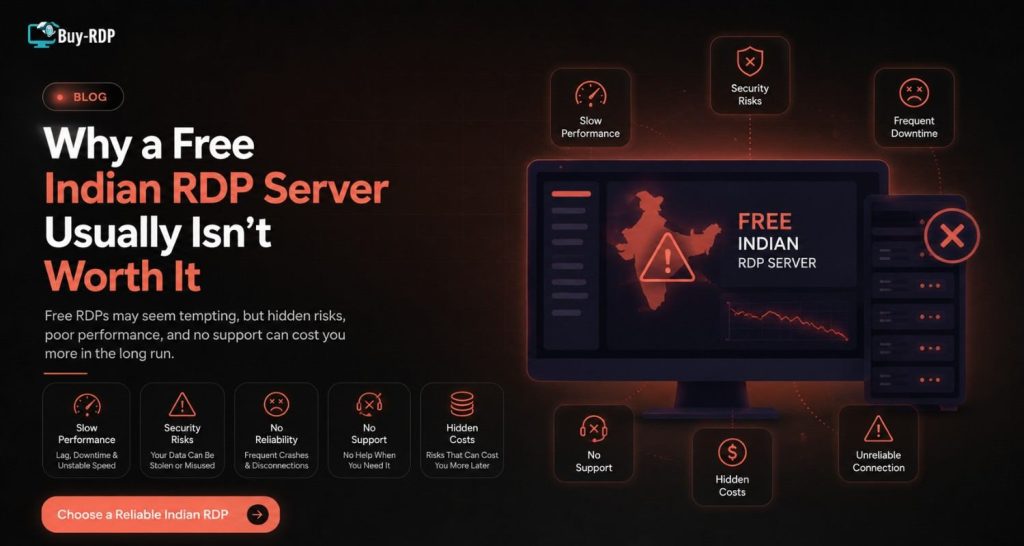
Free Indian RDP listings show up constantly, and it’s easy to see the appeal. But free servers tend to come with hidden costs that only show up once you’re relying on them.


Common problems with free Indian RDP servers:

  • Overloaded shared resources. Free servers are often packed with dozens of other users, so performance is unpredictable: fast one hour, unusable the next.
  • No uptime guarantee. Free services can go offline without warning, and there’s no service agreement holding anyone accountable.
  • Security exposure. You typically have no idea who else has access to the same server, what’s been installed, or what’s being logged.
  • Zero support. If something breaks and, with free infrastructure, something usually does, there’s no one to contact.


What a paid Indian RDP server offers instead:


  • Dedicated resources that aren’t shared with unknown users
  • Support available for setup problems and downtime
  • Real, contactable support for setup issues or downtime
  • Consistent, predictable performance for anything you depend on regularly


For one test, going the free way will probably suffice. But if you need to use this link for any legitimate purposes, then there are many things you need to consider first.

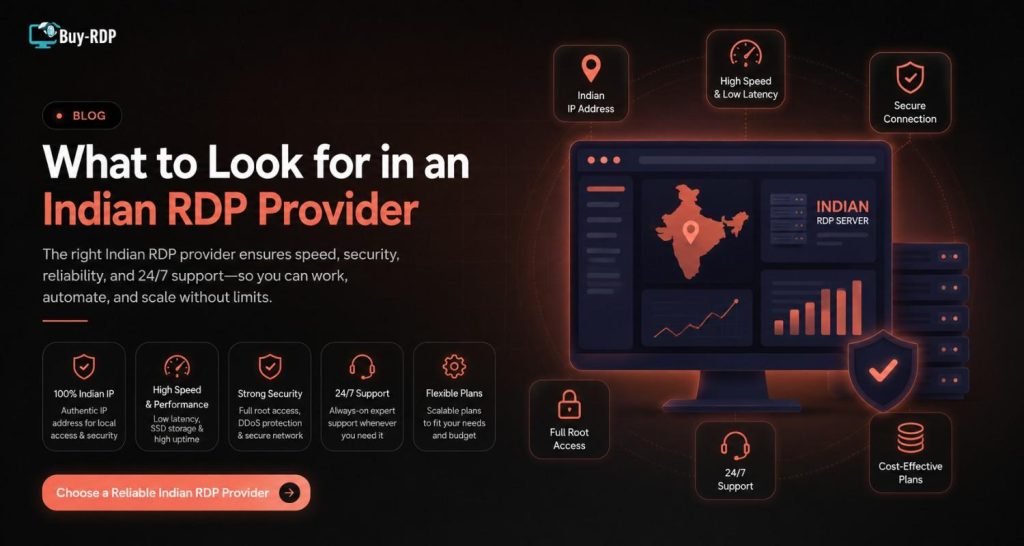
What to Look for in an Indian RDP Provider

Dedicated vs. Shared Resources


Dedicated resources mean the RAM, CPU, and bandwidth you’re paying for are yours alone, not split across strangers. This is the single biggest factor in consistent performance.


Admin Access


In case the process requires software installation or setting up some changes in your system, make sure that the package allows complete administrative access. Otherwise, you may have problems.


Genuine India-Based Server Location


Ensure that the service provider is using their own server based in India and not using an IP address that looks like India but is actually rerouting to some other country.


24/7 Support


In all business-important applications, 24-hour support is important. Issues don’t follow a schedule, and neither should support.


Transparent Pricing


Watch for hidden fees on bandwidth overages or “extra” resources that should be included in the base plan. Clear, upfront pricing is a good sign of a trustworthy provider.

Key Takeaways

  • The Indian RDP server provides you with a remote Windows computer with an Indian IP address and is accessible anywhere.
  • Buying one takes just a few steps: pick a plan, choose access level, pay, and connect.
  • Free Indian RDP servers come with real risks, shared overload, no uptime guarantee, and no support.
  • A paid Indian RDP server offers dedicated resources, guaranteed uptime, and real support when something goes wrong.
  • When comparing providers, prioritize dedicated resources, admin access, genuine local server location, and transparent pricing.

Frequently Asked Questions

What is an Indian RDP server used for? An Indian RDP server is used to get a remote Windows desktop with an Indian IP address, useful for accessing India-specific services, testing local tools, or running software that requires an Indian location, all without needing physical hardware in India.


Is buying an Indian RDP server legal? Yes, RDP services are a standard, legal business tool used widely for remote work and testing. As with any service, use it in line with the terms of the provider and any platform you’re accessing through it.


How much does an Indian RDP server typically cost? Different providers charge different prices for their services depending on how many resources they provide you (RAM, CPU, bandwidth), so it is recommended to compare the offers to your actual needs.

What’s the difference between a shared and dedicated Indian RDP? The shared RDP will share server resources among various users, which makes its performance sometimes unpredictable. The dedicated RDP gives all the resources for your use, and therefore, it will be more predictable.

Can I get admin access on an Indian RDP server? Most paid services provide administrative access, which allows you to make changes to your system settings without restrictions. Make sure to check for this before you buy a service if you require it.

Why do free Indian RDP servers stop working suddenly? Free RDP servers are generally overloaded with more users than they were designed to accommodate, and the companies that provide these servers usually do not have the capability to support their costs in the long run.

How fast can I start using an Indian RDP after purchasing? Most of them offer the login details almost immediately after payment is made, thus making it possible to use and work on the remote server on the very same day that you purchase it.

Do I need any special software to connect to an Indian RDP? No special software is needed on Windows, since Remote Desktop Connection comes built in. Mac and Linux users need a compatible RDP client, most of which are free and simple to install.

Conclusion

Indian RDP Server will provide you with one of the easiest ways to obtain an Indian IP and remote desktop access; however, the difference between a free and paid RDP server will become evident in the moments when you really require stability. The availability of dedicated resources, high reliability, and technical support are the distinguishing features of a reliable server.

If you’re ready to stop gambling on free, overloaded servers, a dedicated Indian RDP is a small investment that pays off in reliability.

Looking for an Indian RDP server built for real, consistent performance? Browse Buy-RDP’s Indian RDP plans for dedicated resources, full admin access, and 24/7 support.

Written by

Leave a comment